

RETIREMENT PLAN CONTRIBUTIONS
ADMIN Partners is committed to helping our clients save time and energy when it comes retirement plan administration. With this in mind, we have created a web-based process that gives Employers an efficient way to submit their Plan’s retirement contributions. As a TPA, we understand the amount of time and effort it takes Employers to process retirement plan contributions. Considering this, ADMIN has created a system that allows contributions to be submitted securely while saving Employers time!
CONTRIBUTION METHODS
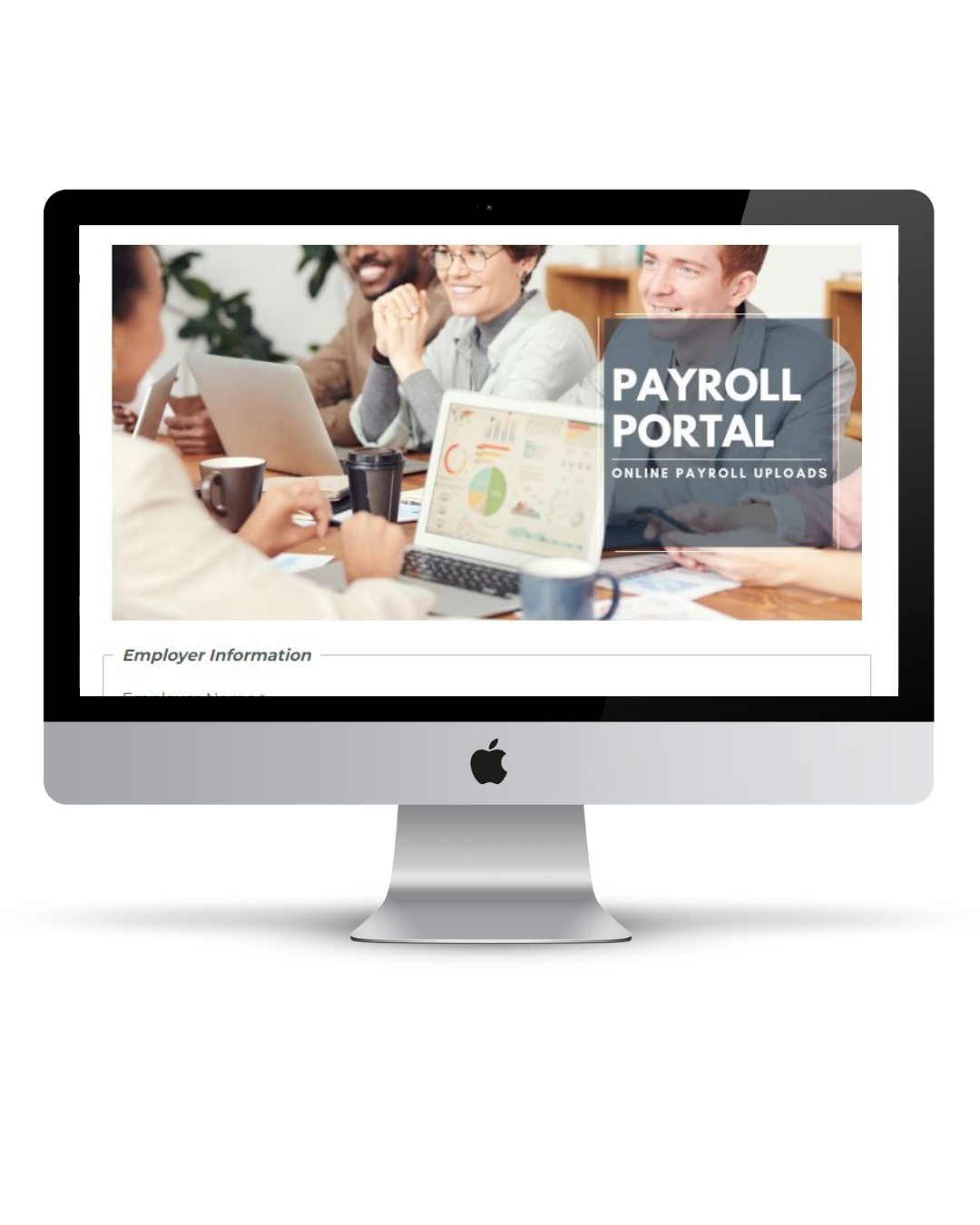
ADMIN’s Online Payroll Portal (Preferred Method)
ADMIN’s proprietary Payroll Portal provides a secure, streamlined way to submit payroll contribution files directly into ADMIN’s integrated workflow management system, ensuring fast and accurate processing. Employers who remit contributions via ACH Pull can also designate their preferred debit date, offering greater flexibility and control. Once a file is submitted, ADMIN’s team will reconcile the contribution data with the funds received from the Employer before remitting both data and dollars to the appropriate investment providers. (Disbursement to all applicable vendors will occur once contribution funds have been received at ADMIN’s custodian bank.)
CLICK HERE to access the Payroll Portal.
CONTRIBUTION METHODS
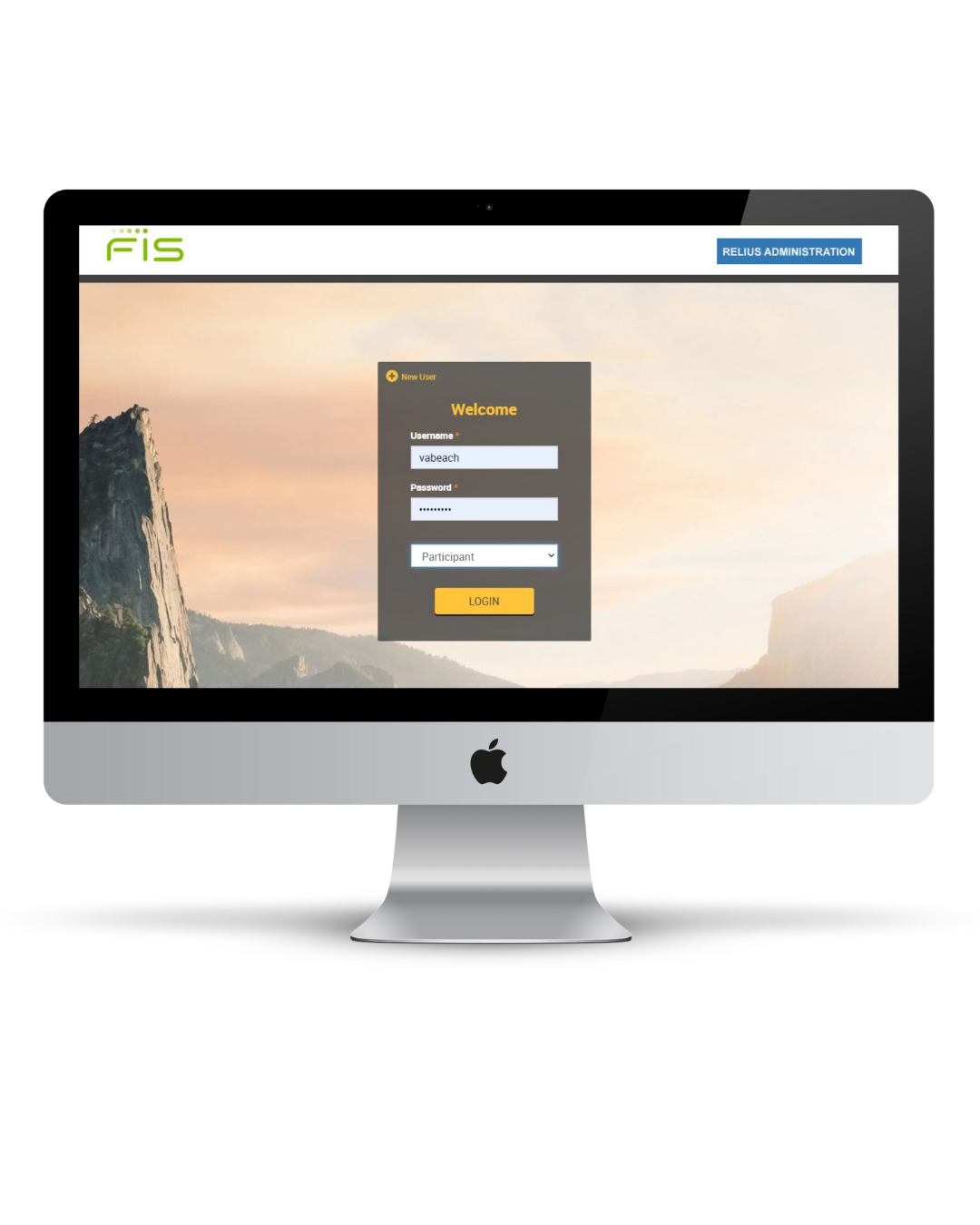
My Plan Data Contribution Upload
This online upload feature, accessed with designated login credentials, enables Employers to submit payroll files into ADMIN’s recordkeeping system. Upon receipt, ADMIN’s team will reconcile the contribution file with the funds received from the Employer before remitting both data and dollars to the appropriate investment providers. (Disbursement to all applicable vendors will occur once contribution funds have been received by ADMIN’s custodian bank.) Employers may refer to our Web Contribution Guide for additional details on this process.
Please note: For Employers funding contributions via ACH Pull, this submission method requires a separate step. ACH Pull requests must be submitted through the ACH Pull Request Portal to authorize the withdrawal of funds from the designated account.
CLICK HERE to access My Plan Data.
Need More Assistance?